

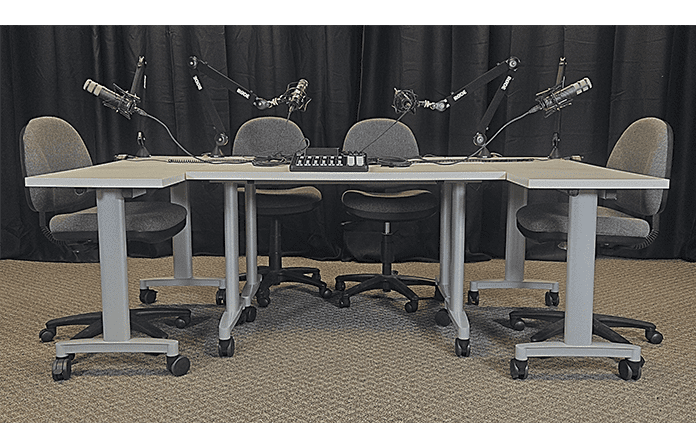
Our Digital Studio (STC 004) is available to faculty and students who wish to create videos, podcasts, and digital essays with some better production values than those available at their UMW office or at their home. Up to four users can record a podcast. The Studio also features the ability to video record while using a traditional whiteboard, SmartBoard, or light board.
Users need to make a reservation. Once a reservation is confirmed, users will receive a one-time access code to enter the Studio. After normal business hours, students and faculty can use their Bulldog Card to enter the STC building to access the Studio. If access is needed immediately during normal business hours, contact eLearning at 683-7227. To schedule a class or group tour of the Digital Studio, contact eLearning.
Saving Your Recordings
You can record podcasts directly to our mixing board using a mini-SD card. If you use Audacity for your recording, make sure to export the file as an mp3 (directions are available in the Studio). Upload any recordings to your UMW OneDrive so that you have access to those files outside of the Studio.
Resources about Using the Studio
Reserving the Digital Studio Using UMW Outlook Accounts
Audacity QuickStart Guide (for audio recording in the Studio)
OBS Studio QuickStart Guide (for video and audio recording in the Studio)
ScreenPal QuickStart Guide (for video editing)
Uploading Files to OneDrive (for saving files after recording)
Branded Green Screen Backgrounds
The Library and Learning Commons Open House Podcast
Each year, the Library and Learning Commons host an Open House so that UMW students can learn about how the Learning Commons—the Lucy Carson Library, the Learning Center, and eLearning—can support students in their UMW journey. As part of the event, staff, faculty, and students in attendance record a podcast about their UMW experience.